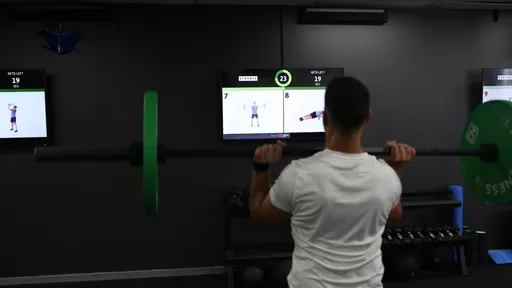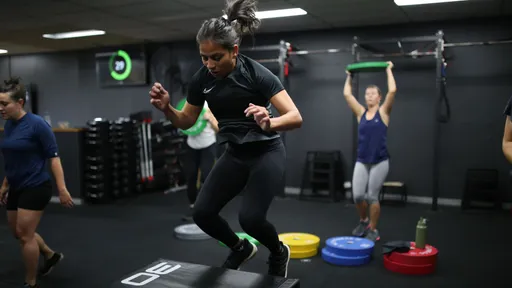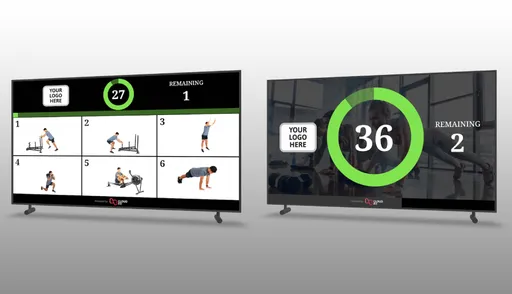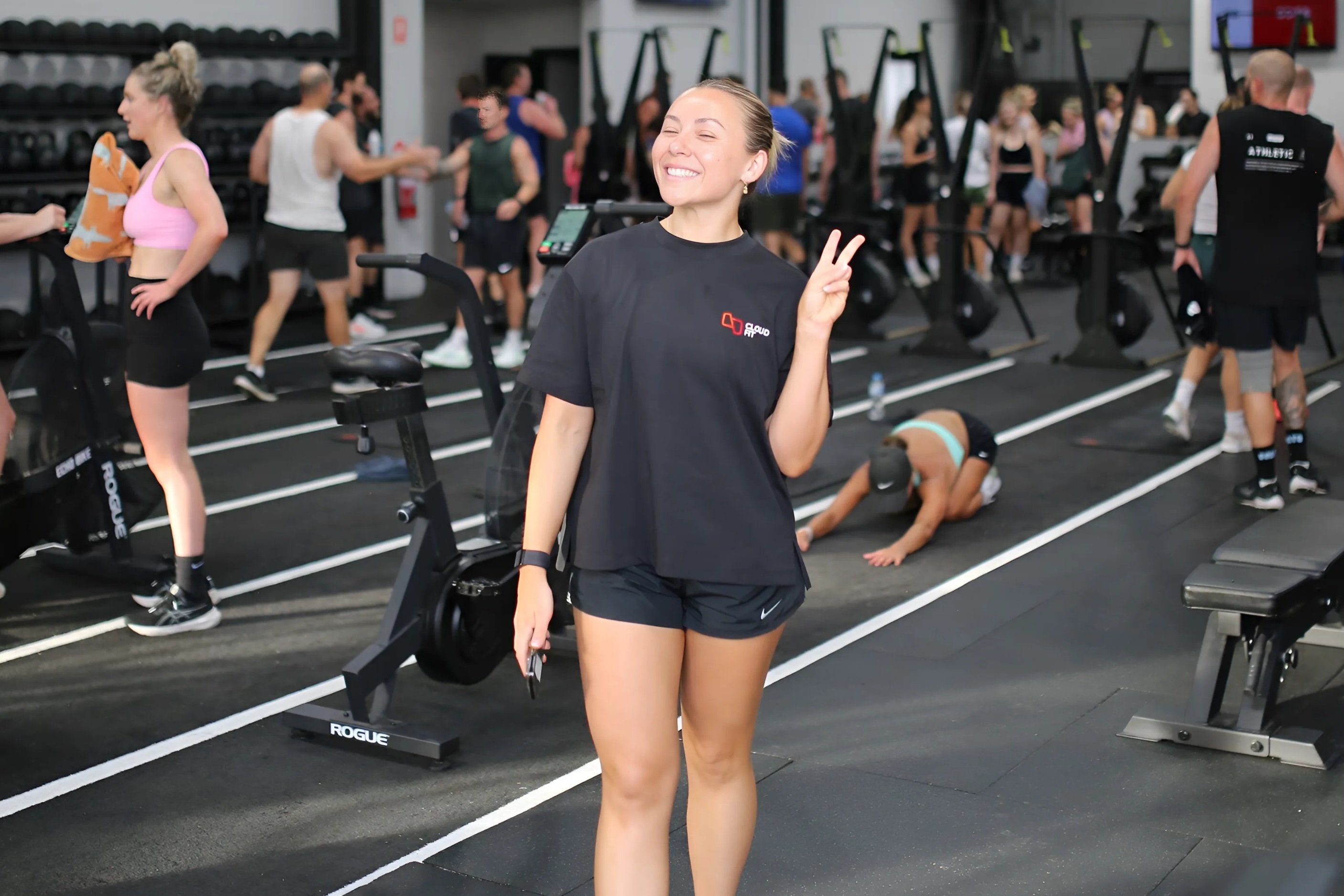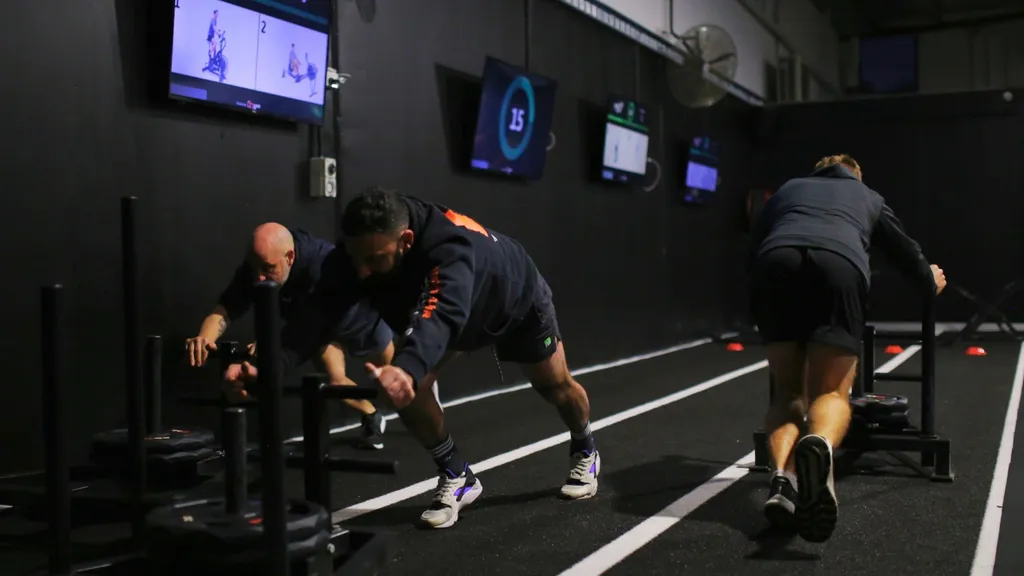
CloudFit is workout display software for gyms transitioning from Aktiv TV, Myzone MZ-Instruct or PEAR Studio and PEAR Cast. CloudFit helps you build your own workouts in an easy-to-use mobile app, show exercise videos and timers across your gym TVs, and run classes from your phone. You'll work with a team that actively develops the platform, listens to gym owners and coaches, and helps you get started.
Keep the class formats your members enjoy, with more control over programming, screen layouts and your gym's branding.
Jump to your system:
- Aktiv TV alternatives
- Myzone MZ-Instruct alternatives
- PEAR Studio and PEAR Cast alternatives
- How to move to CloudFit
Why move to CloudFit?
A better way to build and run your workouts
Use the CloudFit app on iPhone, iPad or Android, or work in a browser on your computer. Build next week's programming wherever you are, then start and control the session from the gym floor or schedule it to start automatically.
The configurable workout builder lets you set exercise and rest timings, arrange stations and add digital whiteboards for coaching notes. Choose movements from our exercise video library, or film and upload your own demonstrations from your phone. Show members the combinations, progressions and equipment they'll use in your gym.
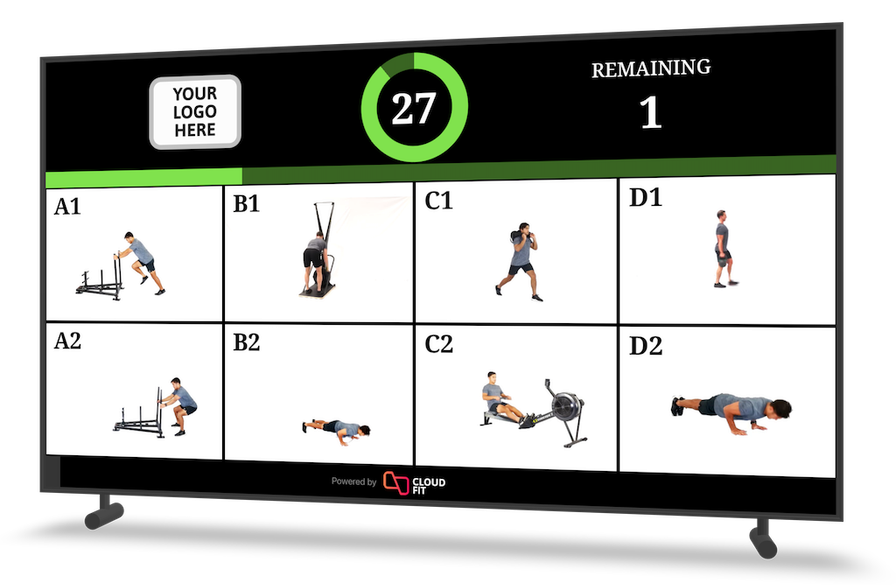
Configure exercise guidance and timing together with Flexi Timings.
Tailor CloudFit to the way your gym runs, with multi-screen and Multi-Track layouts for different training areas, custom branding and CloudFit AI to help plan your programming. Explore the full feature list, or talk to our team about what would work for your gym.
Active development you can see
We're continuing to build CloudFit around the work coaches and gym owners do every day. Recent additions include Published Workouts, released in March 2026, and the Whiteboard Canvas Editor, released in August 2026. The canvas editor gives you precise control over text placement, fonts, colours and media in your workout whiteboards.
Browse our product updates for release details and walkthroughs you can use in your own gym.
A team that helps you get it working
Good support matters when your next class is about to start. We're here to help with choosing hardware, building workouts and getting your screens set up. You can email us directly or book time with our team to work through your room and class format.
Read our customer stories, or explore our case studies with Hitfit and others to see how gyms use CloudFit in practice. During your trial, bring us your questions and experience our customer service for yourself.
Transparent pricing, no lock-in and time to try it
CloudFit's pricing is published online, with no lock-in contracts. The Free plan has no time limit and lets you run unlimited workouts on a single display. You can learn the app and keep using it for as long as it meets your needs.
When you want the full studio experience, the 30-day free Business trial lets you try multiple screens, custom branding and the other Business features in your own gym. Free and Business have different feature and usage limits, which are listed on the pricing page.
Aktiv TV alternatives
Aktiv Solutions shut down in July 2025, with Core Health & Fitness acquiring its assets, according to Athletech News. For gyms still relying on Aktiv TV, the shutdown is a clear reason to move their workout programming to an actively developed platform.
CloudFit is a close replacement for Aktiv TV's workout display role. You can build your own sessions, show exercise demonstrations across multiple TVs, configure timings, schedule workouts and apply your gym's branding. Those familiar capabilities come with a mobile app for everyday control, flexible screen layouts and ongoing feature development.
We've already helped Aktiv TV customers move to CloudFit. If you're returning to an old installation or looking for an Aktiv TV replacement now, our team can help you get started. Plan for a supported media player on each TV and rebuild your sessions in CloudFit; the three steps below cover the move.
Myzone MZ-Instruct alternatives
Myzone's heart-rate tracking remains a useful product for gyms. MZ-Instruct is its workout-instruction offering, and our view is that its basic editing experience and limited development make it a less compelling choice for gyms that want flexible control over their own programming.
The setup process illustrates the difference. Myzone's MZ-Instruct guide describes submitting custom videos to its team for processing, with a fee per upload batch and a stated turnaround of seven working days. That adds work and waiting when you want to introduce a new exercise. In CloudFit, you can upload your own exercise videos directly through the app, within your plan's limits.
If MZ-Instruct has felt clunky to configure, or you've been waiting for improvements or struggling to get help, CloudFit gives you a more hands-on way to run your programming. Build and edit workouts from your phone, change timings, add whiteboards and use Business branding and Multi-Track to shape the display around your classes. Our team can help you recreate a session and show you how to make those day-to-day changes yourself.
You can still choose Myzone for heart-rate feedback while using CloudFit for workout instructions. Plan separate devices and screen space for each role with our team; don't assume a native integration or a shared-screen layout. Myzone still lists MZ-Instruct setup and support contacts for existing installations.
PEAR Studio and PEAR Cast alternatives
You may know PEAR Studio and PEAR Cast under the PEAR Sports name. In direct conversations with the PEAR team and owner, we were told that Studio and Cast are no longer being developed or supported. If your gym still depends on them, moving to CloudFit gives you a supported home for your programming and access to new features as we release them.
The PEAR Cast Google Play listing still shows 13 February 2023 as its last update. That public update history is consistent with the lack of recent development we've been told about. This concerns the Studio and Cast products, rather than the whole PEAR Health Labs business.
CloudFit covers the core preparation and playback workflow: build workouts, organise exercise videos across screens, configure timers and schedule sessions. Business adds your gym's branding and staff access, while the mobile app makes it easy to prepare and run classes. You also gain features such as CloudFit AI and Published Workouts as part of an actively developed platform.
Plan to recreate your sessions in CloudFit using our exercise library or your own videos. Our team can help you translate your existing class format into the CloudFit workout builder.
How to move your workout screens to CloudFit
1. Plan a media player for each TV
You can usually keep your existing TVs. Budget for a new, supported media player for each TV in the room, using our supported hardware guide to choose the right devices. If you already have compatible players, ask us whether you can reuse them.
2. Get to know the app and workout builder
Follow our getting started guide to install the app, create an account, build your first workout and pair a display. Our CloudFit webinar walks you through the platform and how to use it. Start by recreating a class you already know so you can see how its exercises and timings fit together in CloudFit.
3. Let us help with the move
Email support@cloudfit.tv or book a time to talk to our team. Tell us which system you're moving from and how many TVs you have. We can help you choose hardware, understand the workout builder and get your first sessions ready.
Questions about switching
Can I keep my existing TVs?
Usually, yes. CloudFit runs on a supported device connected to each TV. Check the connections and choose a supported player; older vendor-supplied players may need replacing.
Can I transfer all my workouts automatically?
Plan to recreate your workouts in CloudFit. We don't promise direct imports from Aktiv TV, MZ-Instruct or PEAR. Use CloudFit's exercise library or upload your own exercise media, and ask us for help translating your class format into the builder.
Can I try CloudFit before paying?
Yes. The Free plan has no time limit and supports unlimited workouts on one display. There's also a 30-day free trial of Business so you can try the features for a full studio setup. The pricing page lists what each plan includes.
Can I keep using Myzone for heart-rate tracking?
Yes, you can keep a separate Myzone heart-rate setup. CloudFit handles your workout programming and exercise displays. Speak to our team about devices and screen allocation before planning how the two will work in your room.
Get started with CloudFit, or book a conversation with our team if you'd like help planning the switch.