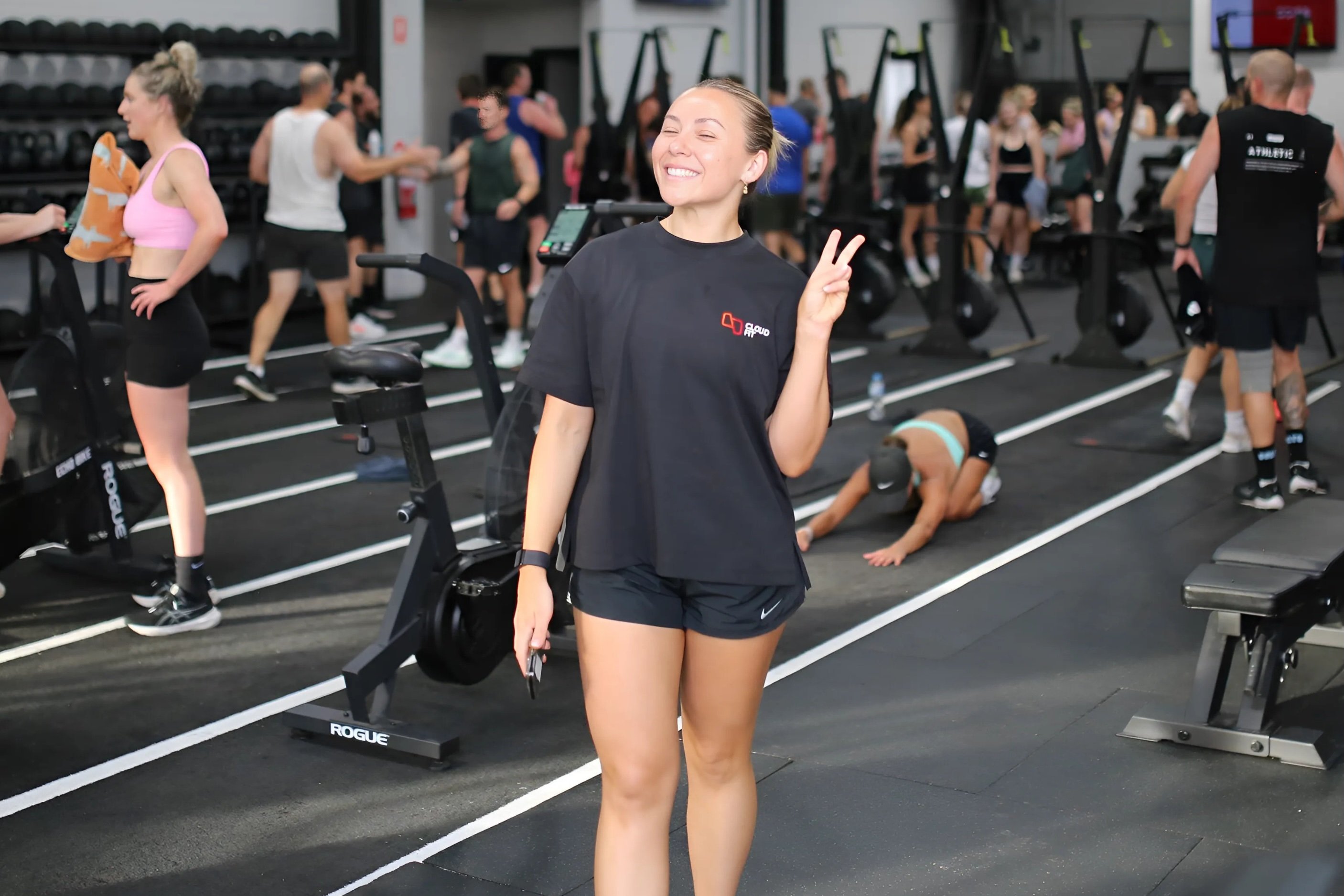
Connect ChatGPT or Claude to CloudFit
Connect ChatGPT or Claude to build workouts, refine your programming, plan your timetable and manage media and exercises in CloudFit.
Build your next workout in a conversation
Already using ChatGPT or Claude to help with programming or run your business? Now you can connect it to CloudFit, so your ideas become saved workouts you can run on your gym TVs.
Describe your class, equipment and goals. Ask for changes as you go, then review the workout before asking the assistant to save it. No code or copying a workout across by hand.
Build a workout from your brief
“Create a 45-minute full-body class using dumbbells and kettlebells.” Your assistant can find exercises and put the session together in CloudFit.
Adapt a session you already love
“Make a 30-minute version of Friday's workout and replace the rowing.” Copy an existing workout and adjust the exercises or timings for another class.
Plan the week ahead
Ask your assistant to schedule workouts, move a class or copy a week's timetable. Check the proposed changes before saving.
Bring your own exercises and media
Find your saved exercises, organise your workouts or ask for a link to upload your own exercise video or image.
Connect the other apps you use
Bring together class plans, spreadsheets and information from your gym management software, where supported by your assistant. It can use information you've given it access to when planning your CloudFit workouts and timetable.
Coach in your native language
Ask Claude or ChatGPT to build a CloudFit workout in the language you coach in. Skip the translation and use the phrases, coaching cues and exercise names your team already knows.
Ready to connect your AI assistant?
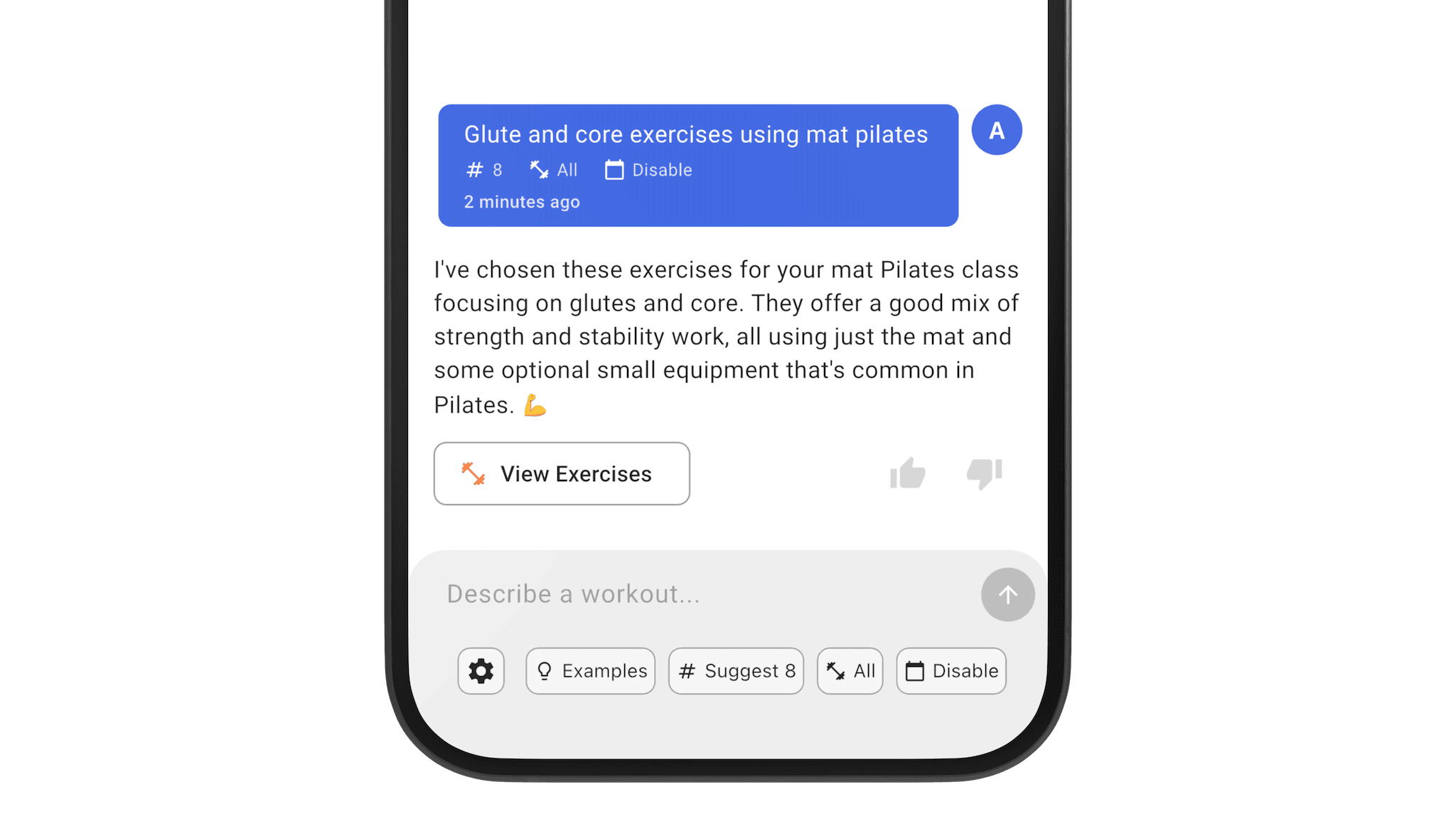
Want to use AI inside CloudFit?
Use AI Exercise Suggestions in the CloudFit workout builder. Tell it the equipment, muscle groups or workout style you have in mind, and get suggestions from the exercise library.
It's a useful way to find movements and variations while you build a workout in the app. You don't need to connect ChatGPT or Claude to use it.
Connect your own software with the CloudFit API
If your business has a developer or technical partner, the CloudFit API lets them connect your own software to supported workout, schedule, exercise and media features. API access is included with CloudFit Business.
For most gym owners, connecting an AI assistant is the place to start. Developers can explore the API reference and guides.