Workout Displays for Pilates Studios
CloudFit helps Pilates studios run clearer, more polished classes with timers, movement demos, digital whiteboards, and multi-screen layouts that support flow and give instructors more time for hands-on guidance.
Pilates classes depend on flow, precision, and instructor attention.
The screen setup needs to support clear demonstrations, smooth pacing, and a calm studio environment without pulling instructors out of the room.
Pilates classes work best when transitions feel smooth and members can stay focused on the sequence.
CloudFit helps classes move more clearly with visible timing, exercise flow, and cues that reduce repeated verbal logistics.
Members often need a clear visual reference so instructors can focus on corrections, breath, and form.
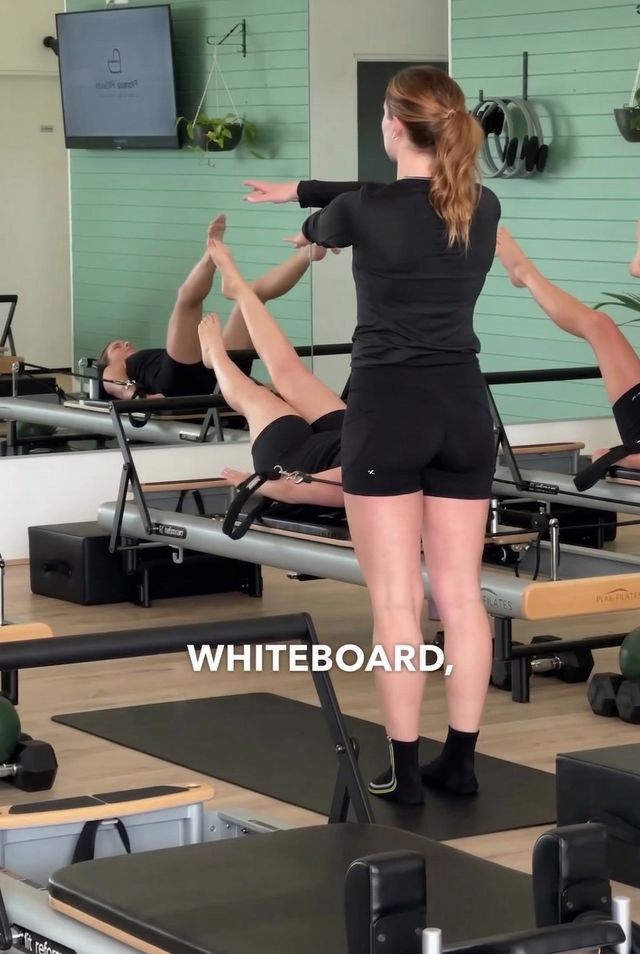
Use exercise videos, demos, and digital whiteboards to reinforce movement quality without stopping the whole class.
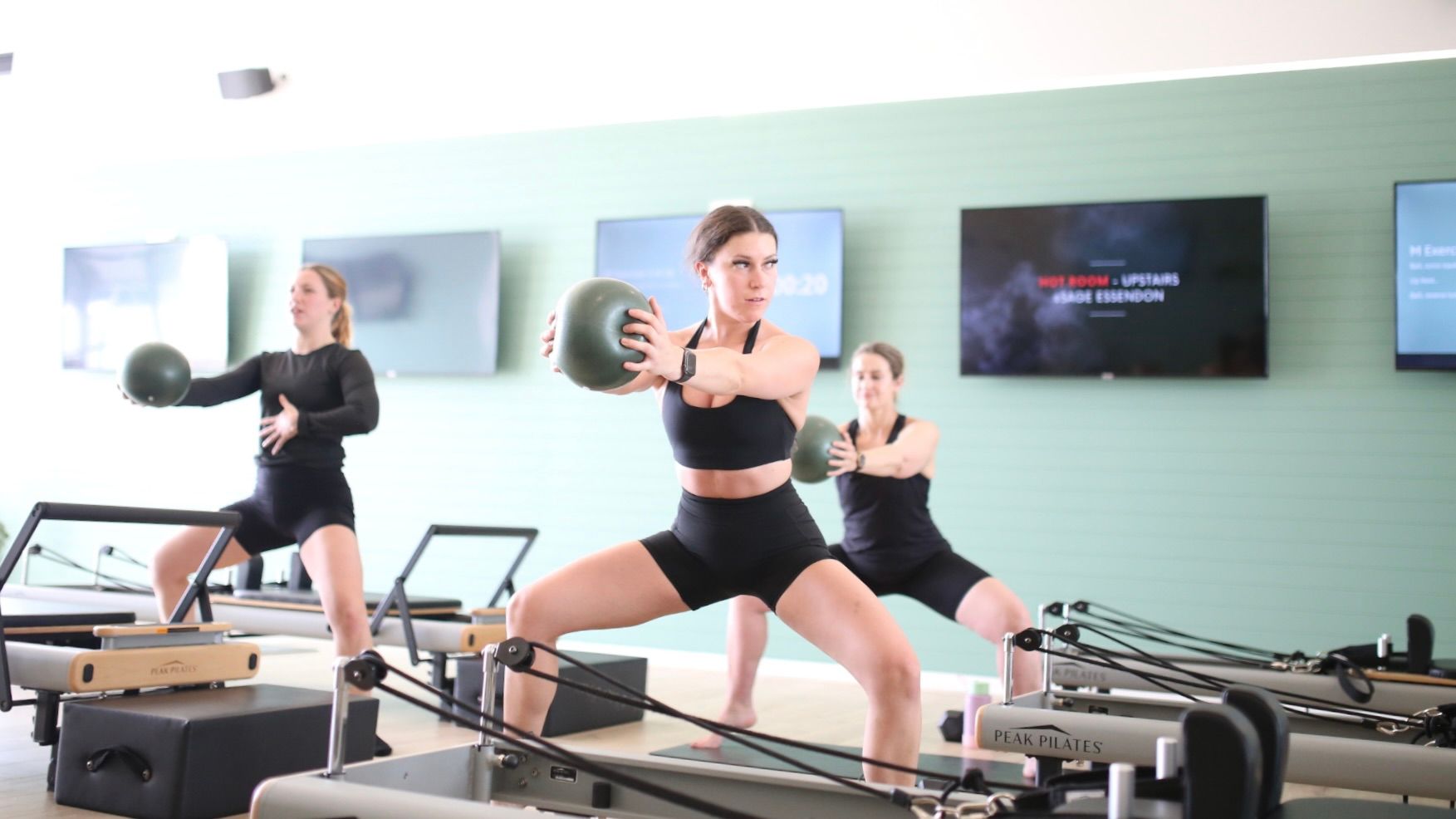
Many Pilates studios run Reformer, Mat, and hybrid sessions, sometimes across different zones or screens.
CloudFit can display separate exercises, sequences, or guidance on different screens while keeping the class organized and easy to follow.
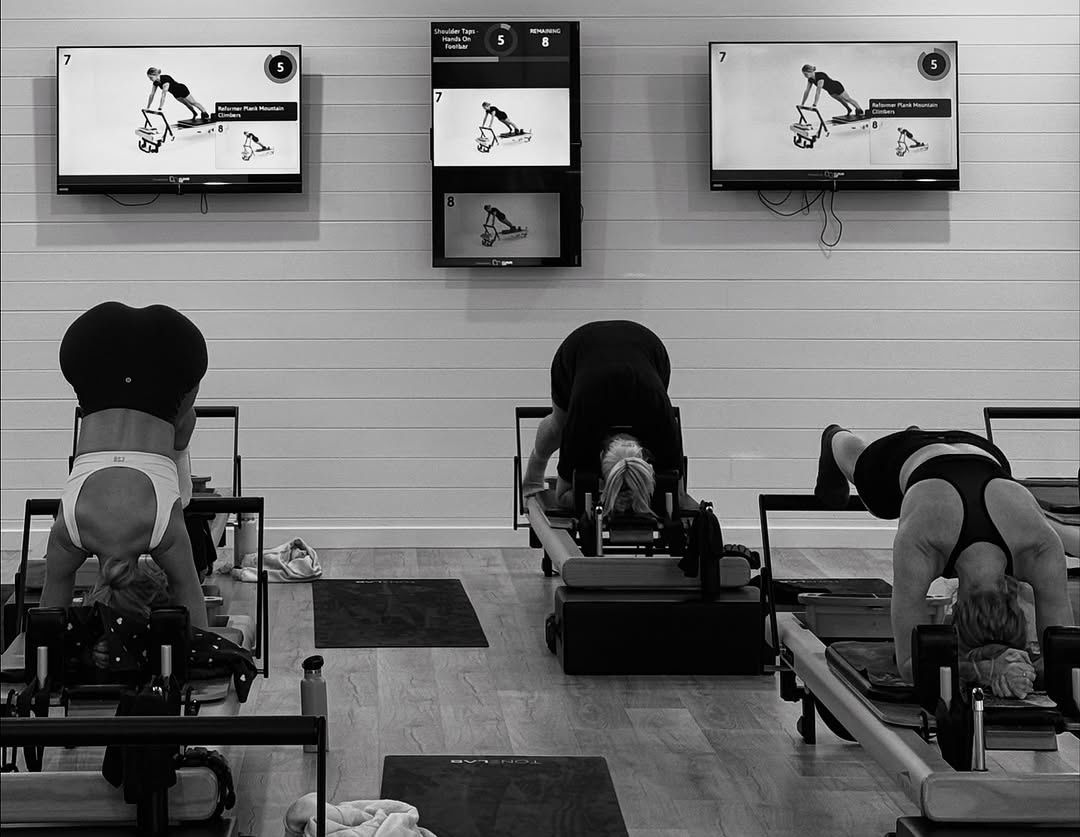
A polished display system for Pilates studios
CloudFit connects your class plan to the screens in your studio so members always know what movement comes next, how long they have, and how the session flows.
Build and control classes from your phone, tablet, or laptop. Then run them on your studio screens using compatible devices like Apple TV, Google TV Streamer, or iPad.
For studios with different zones, CloudFit can run different content on different screens at the same time, making it easier to support Reformer, Mat, and hybrid formats in one space.
Class formats built for Pilates studios
CloudFit supports the pacing, structure, and equipment mix used in modern Pilates studios.
Reformer flows
Show clear movement demos, pacing, and class flow for Reformer sessions, including setup and transition guidance.
Mat classes
Support full-group Mat sessions with visible timing, synchronized flow, and clear movement cues.
Hybrid Pilates formats
Combine Reformer, Mat, core, and strength work in one structured session with smoother transitions between blocks.
Introductory sessions
Give newer members a clearer visual reference so they can settle in faster and follow with more confidence.
Progressions and regressions
Free instructors up to spend more time choosing who needs more support, more challenge, or a modified option.
What Pilates Studios Say
“The screens allow our instructors to really immerse themselves in the moment of the class, and give our clients their full attention. Not having to fumble with a timer, phone or their notes ensures they deliver a professional and powerful class each time!”

Ania Koreywo
Owner, Sage Pilates
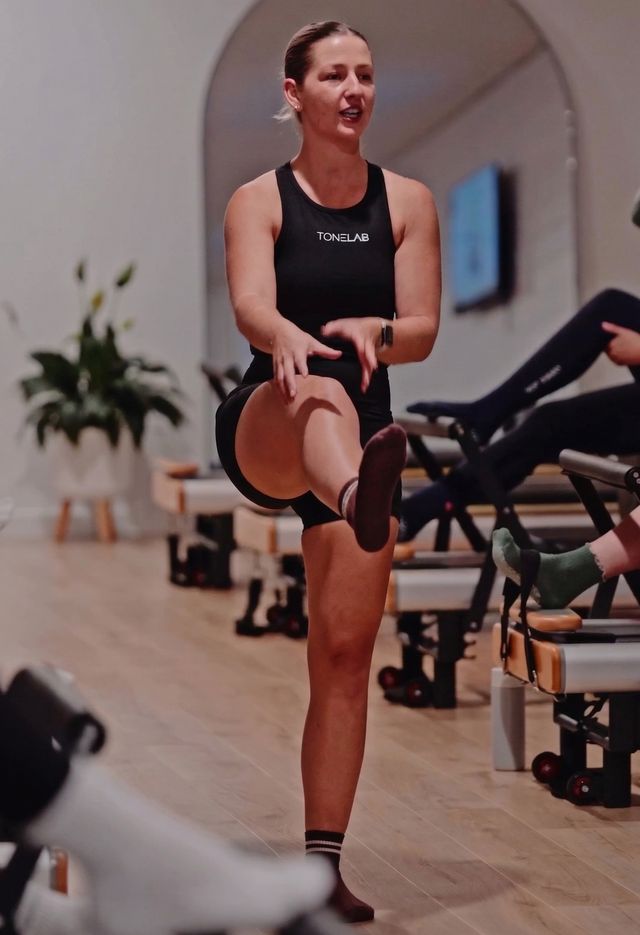
“Having an added visual for the members especially when classes are busy and also a timer that everyone can see/hear so that everything runs smoothly and on time.”

Manager
ToneLAB Reformer Newcastle
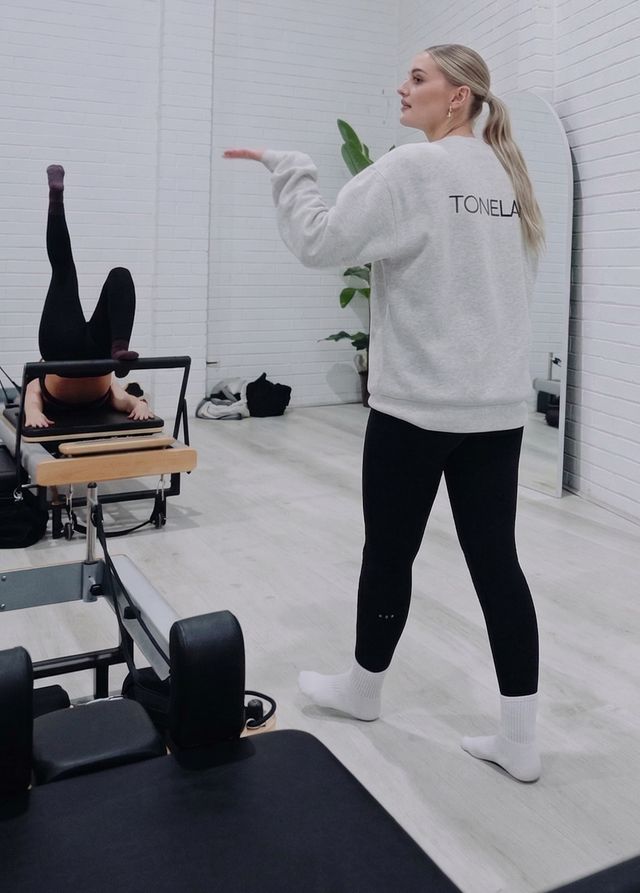
“CloudFit helps all visual learners and aids the instructor demonstrating!”
Head Instructor
ToneLAB Reformer Warners Bay
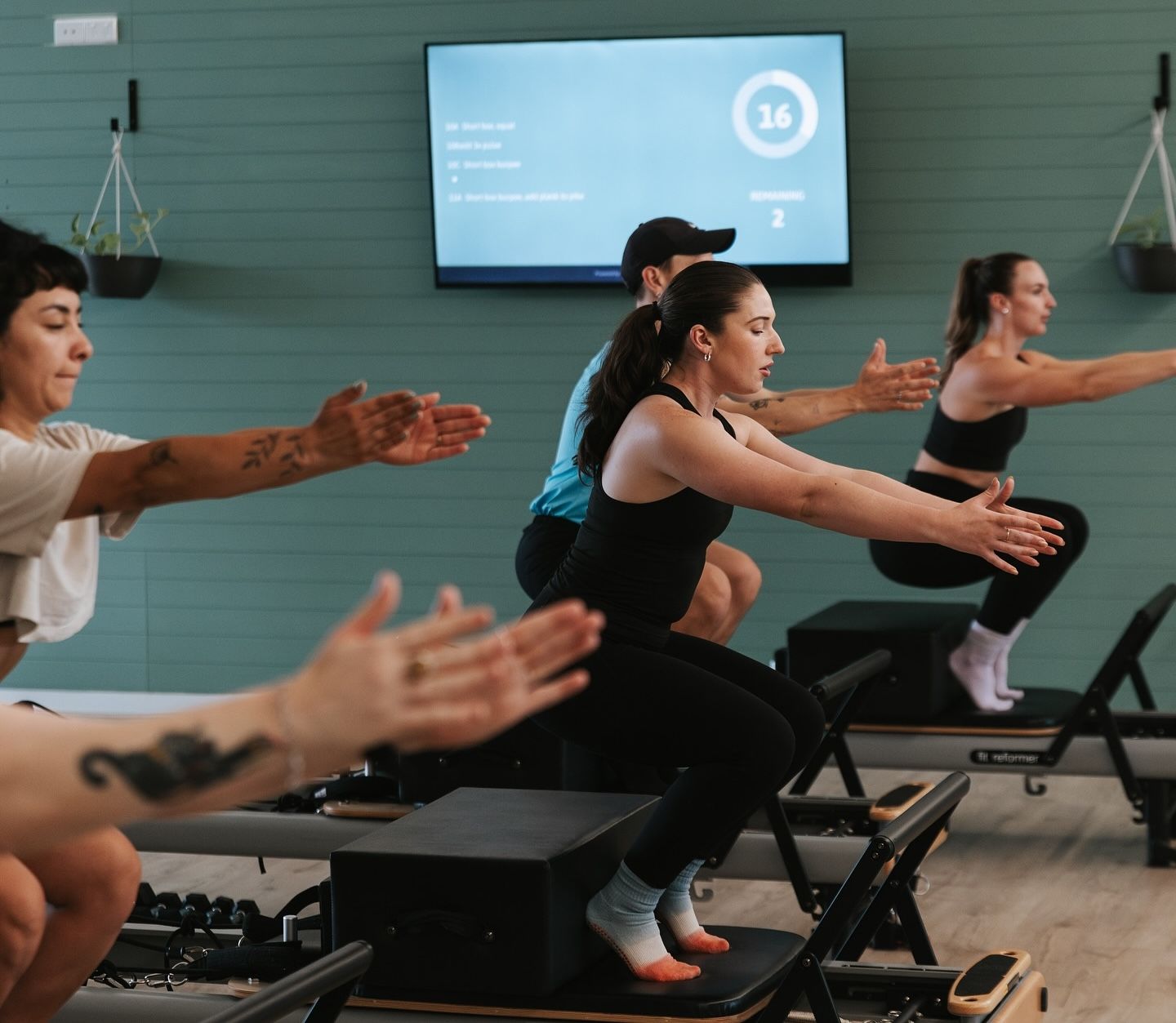
Content, templates, and tools for Pilates studios
CloudFit gives Pilates studios more than just screens and timers. It gives instructors the tools to build, refine, and deliver classes more clearly.
Pilates studios can upload their own instructor demos, use CloudFit’s exercise video library, start from workout templates, and use CloudFit AI to generate ideas based on class focus and available equipment.
That makes it easier to maintain a premium class standard, support newer instructors, and give members a more confident and connected experience in every session.