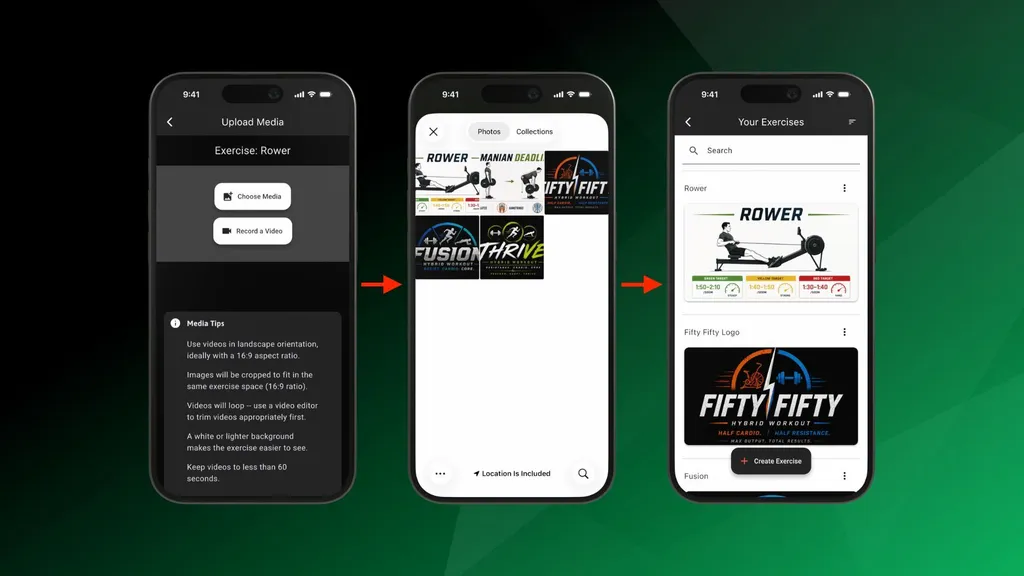
We're happy to share a small but useful update that gives you more flexibility when building your custom exercises: you can now upload images as well as videos.
Images or Videos — Your Choice
When you add media to a custom exercise, simply choose either an image or a video. CloudFit handles the rest, displaying your content beautifully on your gym screens.
Images are perfect for moments where a video isn't necessary — or isn't available:
- No video needed: Some movements are simple enough that a single clear image does the job, no video required.
- More than just movements: Use images to upload other kinds of content, like logos, branding, or text within an image.
- Quick and easy: Already have a photo of the movement or setup? Upload it in seconds and you're done.
Ideas to Get You Started
Images are a great addition to video, opening up all kinds of interesting coaching content you can display during a workout. A few ideas:
- Workout whiteboards: Show the whole round on screen — 500m Row, 20 Burpees, 15 Thrusters, 10 Pull-ups, 4 rounds — so members always know what's next.
- Technique and anatomy graphics: A squat-depth guide, knee-tracking cues, or a Romanian deadlift with the posterior chain highlighted. Great for educating members mid-movement.
- Heart rate zone cards: Zone 2, 60-70%, conversation pace, 10 mins — perfect coaching cues for cardio classes.
- Pacing charts: Break down an erg or run by effort, like 0-500m easy, 500-1500m hard, 1500-2000m sprint.
- Mobility flows: A simple infographic stepping through a warm-up that often doesn't need motion to follow.
- Partner instructions and challenges: Partner AMRAP swaps, weekly bootcamp challenges, or hydration and sleep goals — mini-slides right inside the workout.
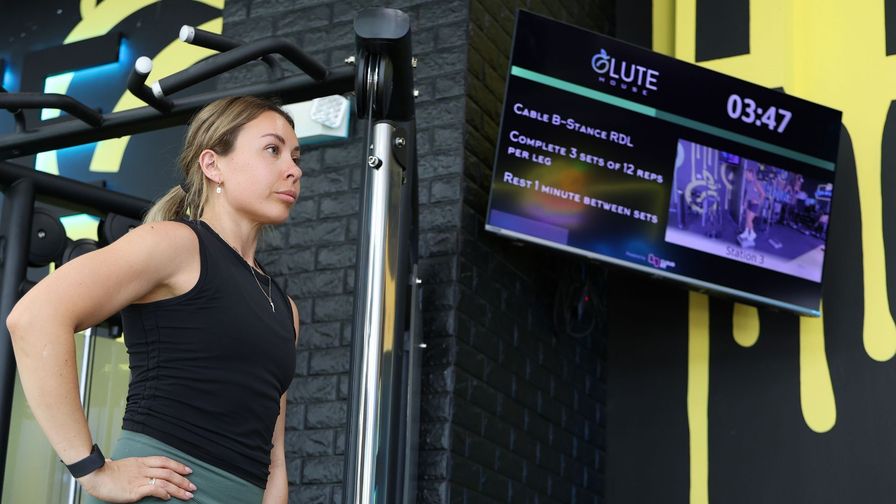
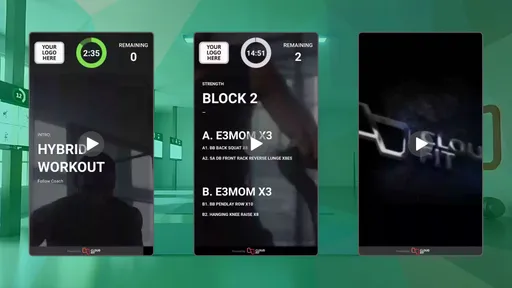
Here you can see GluteHouse showing text information within an exercise slot alongside the video — giving members clear sets, reps, and rest guidance right where they need it.
Getting Started
Adding an image works exactly like adding a video. In the CloudFit app, open a custom exercise, add media, and choose an image or a video from your device. That's it — CloudFit takes care of the rest. For a step-by-step guide, check out our Help Article on custom exercises.
We're always working to give you more ways to make your workouts your own. Give image uploads a try, and let us know what you create!
Stay tuned for more updates, and follow us on social media @cloudfit.tv.