CloudFit Compatible Media Hardware
Choose the right media hardware for your TVs. CloudFit supports consumer streaming devices for simple, cost-effective installs and enterprise hardware for managed, remotely monitored deployments.
Why CloudFit Uses Media Hardware
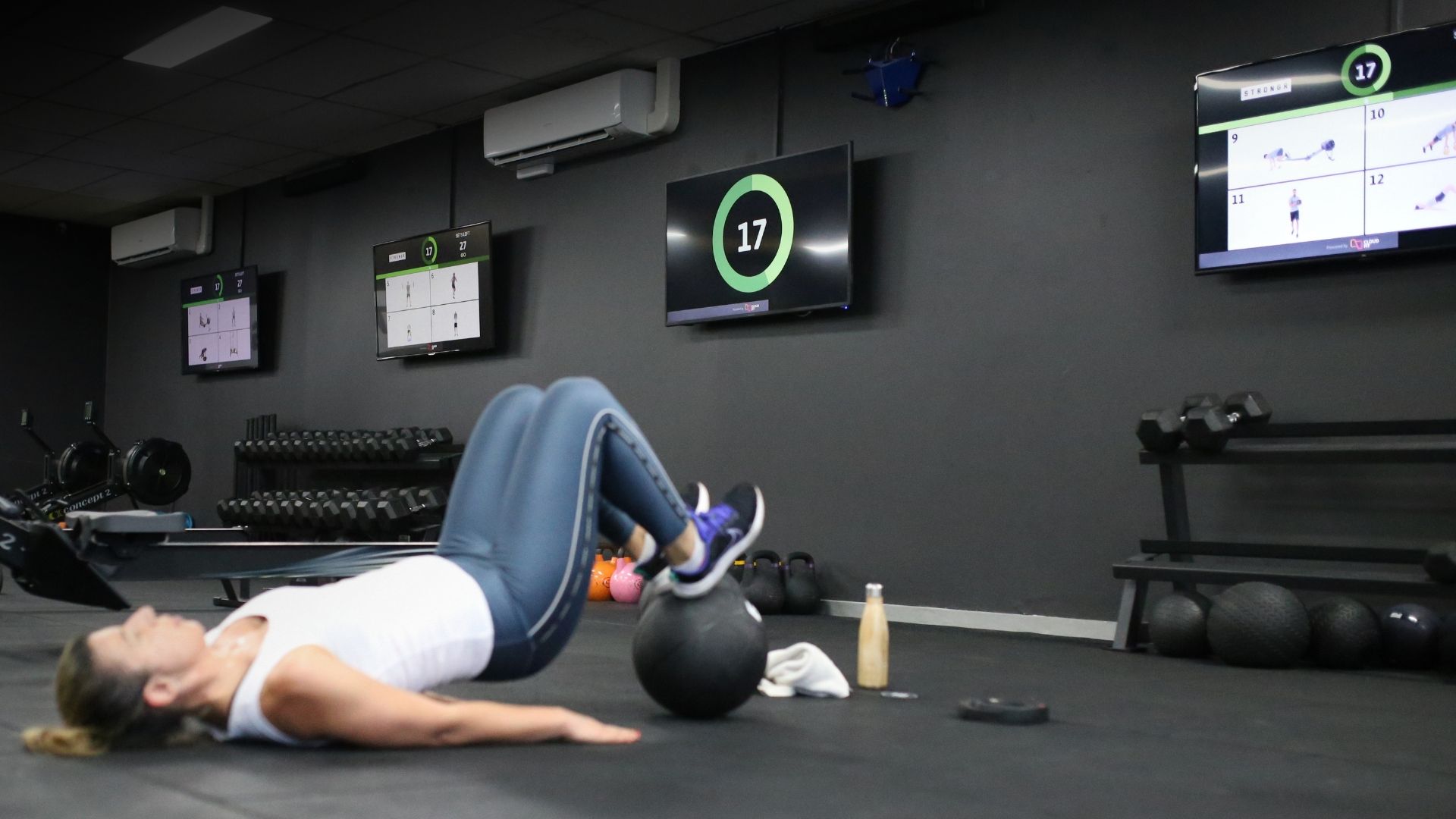
CloudFit turns a standard TV into a dedicated workout display. The media device is the small computer that plugs into the TV, runs the CloudFit display app, receives workouts from the coach controller, and displays timers, exercise videos, digital whiteboards, media, and workouts on screen.
You will need one media device per TV. If your gym has four TVs, you need four media devices. That gives CloudFit independent control over each display, including which exercises, timers, stations, or workout tracks appear on each screen.
If you are still planning the full setup, start with how to set up a gym screen display system. For the software side, see CloudFit workout display features, what a workout display system is, and current CloudFit pricing. The current help-center list of supported consumer TV hardware is also available in CloudFit TV supported hardware.
Choose Hardware
A quick guide to the three supported TV media hardware options.
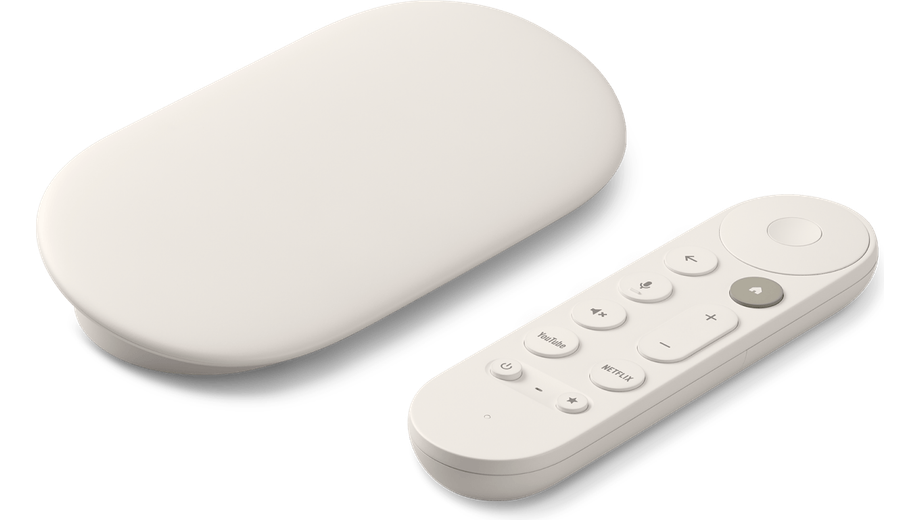 Google TV Streamer | 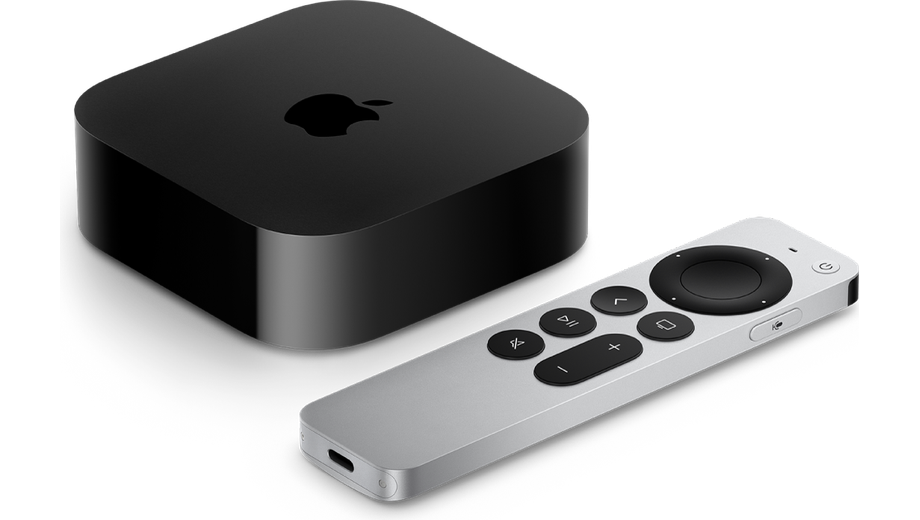 Apple TV | 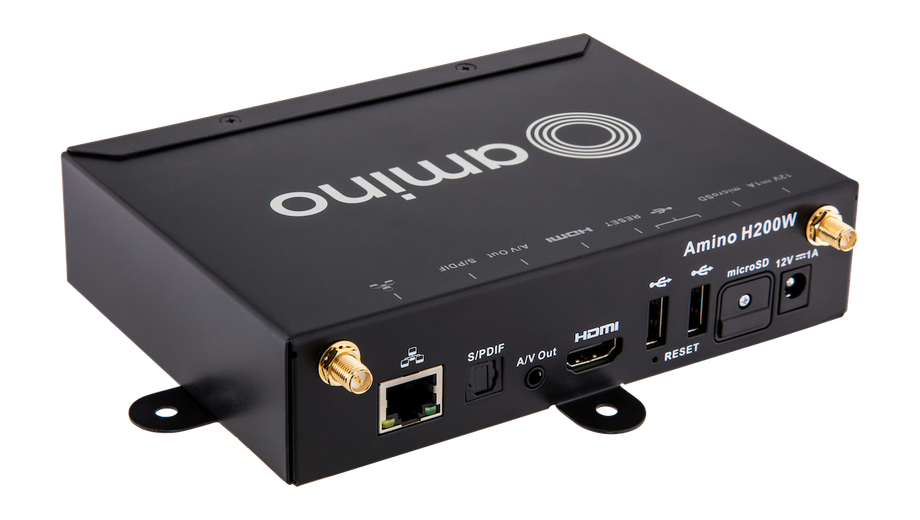 Amino H200/H200W |
|---|---|---|
Approx. price ~US$99 | Approx. price ~US$129 | Approx. price From US$350* |
Best for Cost-effective deployments using familiar Google TV hardware available from retail stores. | Best for Premium retail hardware for teams that prefer the Apple ecosystem. | Best for Permanent, multi-location or unattended installations where screens need to remain secure, reliable and easy to manage without regular help from on-site staff. |
|
|
|
*Price as at June 2026, subject to availability, excludes shipping.
CloudFit Hardware Comparison
All three options support the complete CloudFit experience. Amino is purpose-built for permanent commercial installations, with simpler mounting, stronger security, remote support, and less maintenance for on-site staff.
| Compare Hardware | Google TV Streamer | Apple TV | Amino H200/H200W |
|---|---|---|---|
| Buying Basics | |||
Compatible models See the CloudFit support article for the current compatible consumer hardware list. Amino H200/H200W is available for CloudFit managed enterprise deployments. | |||
Device grade Consumer devices are retail streaming boxes. Enterprise devices are commercial hardware designed for managed deployments and unattended operation. | Consumer | Consumer | Enterprise |
Approx. price Hardware pricing changes by country, reseller, stock, taxes, and shipping. These figures are a guide only. | ~US$99 | ~US$129 | From US$350* |
Manufacturer Manufacturer pages are useful for current specifications, ports, network options, and warranty information. | |||
Purchase Consumer devices are generally bought through retail channels. Amino hardware is best discussed with CloudFit for managed deployments. | |||
Maximum exercise videos The maximum number of exercise videos CloudFit can show on one screen at the same time on that device family. | 8 | 12 | 8 |
CloudFit TV app Consumer devices install the CloudFit TV app from the normal app store. Enterprise hardware is provisioned for managed CloudFit deployments. | Preinstalled | ||
| Setup and Operations | |||
Runs CloudFit and supports all features Each TV needs its own media device connected by HDMI. | Yes | Yes | Yes |
Retail availability Google TV and Apple TV are widely available through retail channels. Amino hardware is available through regional distributors and commercial deployment partners. | Yes | Yes | |
Ethernet option Wired networking is useful for permanent TV installs. Amino H200 is for hard-wired network connections, while H200W is available where Wi-Fi is more practical. | Yes | Yes | Yes |
Hardware support Consumer hardware support is through the manufacturer or retailer. Amino resellers in each region provide hardware support after purchase. | Retail | Retail | Amino reseller |
| Installation and Support | |||
Power and network cabling H200 can receive power and its network connection through one cable when used with a compatible network setup. H200W uses a separate power connection and connects over Wi-Fi or Ethernet. | Separate power cable | Separate power cable | H200: one cable for power and network H200W: separate power connection |
Mounts behind the TV Consumer devices normally need a separate third-party mount. Amino H200/H200W includes mounting brackets designed to fit neatly behind a compatible display. | Third-party mount | Third-party mount | Built-in mounting brackets |
Control compatible commercial TVs H200 can control supported commercial displays, including functions such as power, volume, input, and brightness. Compatibility varies by display model. | Standard TV controls | Standard TV controls | H200: built-in commercial TV control |
Built-in troubleshooting tools Amino includes tools designed to help deployment and support teams identify device and network issues remotely or on site. | Standard consumer support | Standard consumer support | Device and network troubleshooting |
Security update schedule Consumer device updates follow the manufacturer's normal release schedule. Amino provides regular quarterly security and software releases for H200/H200W. | Google release schedule | Apple release schedule | Quarterly security updates |
| Enterprise Controls | |||
Locked to CloudFit Amino H200/H200W devices boot directly into CloudFit and stay locked to CloudFit, so staff or members cannot accidentally leave the display experience. | No | No | Yes |
Low maintenance Amino is suited to larger multi-location or franchise rollouts, 24/7 gyms, hotel gyms, and residential building gyms where local staff should not need to manage display hardware. | No | No | Yes |
Pre-configured Amino H200/H200W devices can be supplied pre-configured for CloudFit, making them suitable for rollouts from a few sites to hundreds of sites. | No | No | Yes |
Managed updates CloudFit app updates on Amino are managed directly by the CloudFit team. | No | No | Yes |
Remote reboot Remote monitoring and reboot capabilities can help reduce on-site troubleshooting and unnecessary site visits. | No | No | Yes |
Commercial casing Amino hardware is built for business environments such as gyms and fitness studios. | No | No | Yes |
*Price as at June 2026, subject to availability, excludes shipping.
Consumer Grade vs Enterprise Grade
Consumer devices, such as Apple TV and Google TV Streamer, are designed for homes. They are affordable, easy to replace, and simple for staff to understand. For many gyms, that is enough.
Both consumer and enterprise hardware support the full CloudFit feature set. The difference is primarily how the devices are deployed, managed, and maintained.
Enterprise hardware, such as Amino H200/H200W, is designed for commercial environments where displays are part of daily operations. Amino devices mount neatly behind the TV, include built-in troubleshooting tools and regular security updates, and can be monitored and supported remotely. H200 can also simplify installation by carrying power and its network connection through a single cable. The value comes from easier installation and long-term management rather than playback performance alone.
A simple rule of thumb: if you are setting up a few TVs in one gym, consumer hardware is often fine. If you are standardizing screens across locations, running 24/7 or unattended areas, or need minimal maintenance from on-site staff, enterprise hardware is worth considering.
What About iPad?
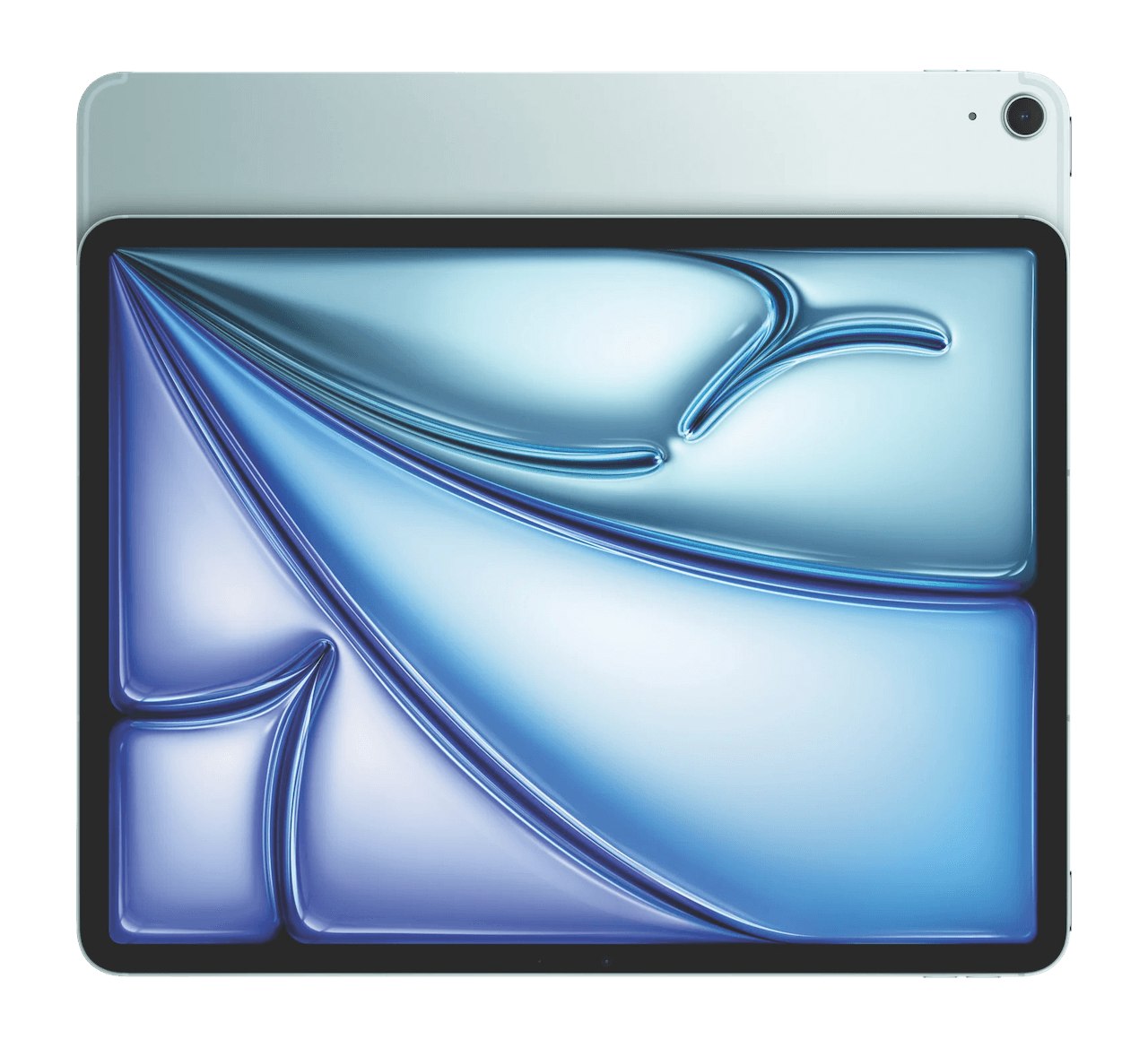
iPad supports CloudFit TV, but it is generally not the recommended choice for TV installations or multi-screen deployments.
iPad can still be useful when your setup is different: portable displays that move around the room, smaller displays near workout stations, or coaching areas where a tablet-sized screen is the better fit. For current supported models, see the CloudFit TV supported hardware guide.
What Else Do You Need?
The media device is only one part of a complete gym display system. You also need the TV, power, HDMI cabling, reliable network coverage, and a controller device for coaches. The full checklist is covered in how to set up a gym screen display system.
Want help choosing hardware for your room layout? Talk to the CloudFit team and we can help map the right device mix for your TVs, network, and operating model.