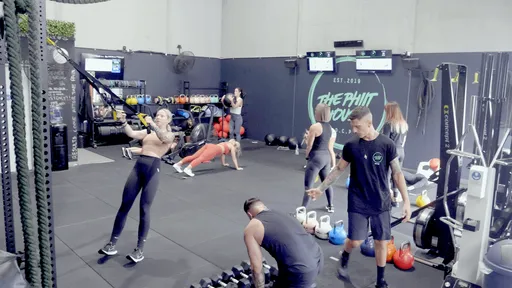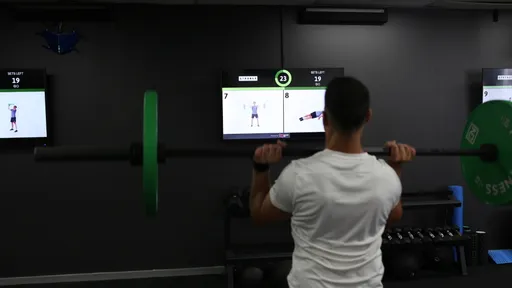
There’s a lot to do between unlocking the gym and welcoming the first class. While one coach lays out equipment, another is checking members in. If you have three TVs around the room, the last thing either coach needs is a trip from screen to screen to find a remote and open CloudFit.
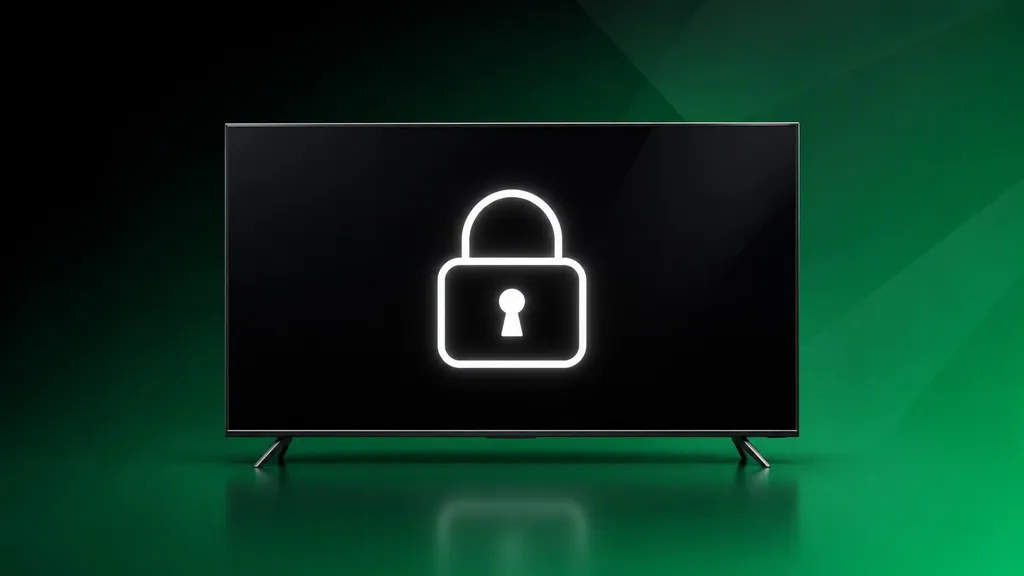
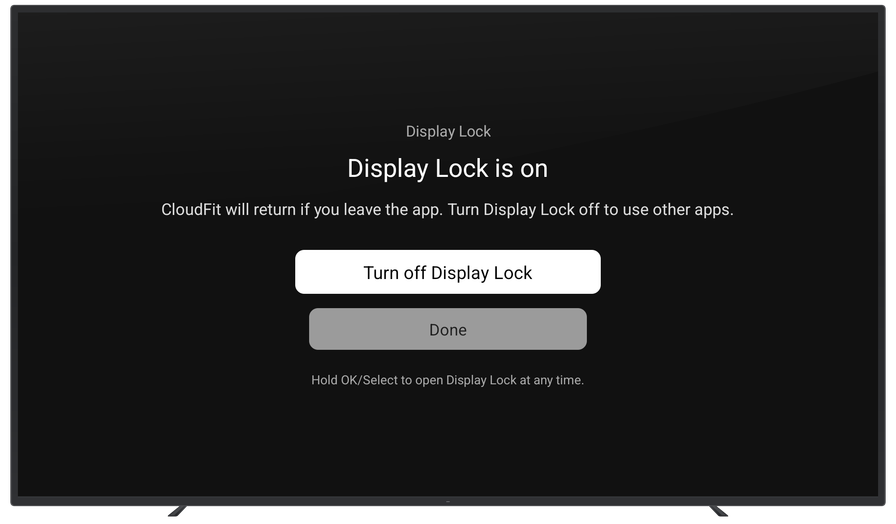
Display Lock helps keep CloudFit TV on screen on supported Google TV devices. Turn it on once for each dedicated workout screen. After that, if the TV is awake and CloudFit unexpectedly closes or the display lands on the Google TV home screen, Display Lock tries to bring CloudFit back.
Once Display Lock is on, it stays on between classes. The next coach can start their workout as usual, even if someone else opened the gym that morning.
Supported Devices
Display Lock works on paired Google TV Streamer (4K) and Chromecast with Google TV (4K) devices. When the floor is quiet and no workout is running, follow our Display Lock setup guide to turn it on.